Safer School Street Resident Digital Permits
A school street closes a designated area outside of a school entrance to motorised traffic at school drop off and pick up times in the morning and afternoon during school term time. The times of operation for each school street is signposted on entry and exit.
A school street zone is accessible only to pedestrians and non-motorised transport during the times of prohibition, with few exceptions.
Residential properties must be located within the restricted zones to be eligible to apply for these permits.
There is no charge for a Safer School Street digital permit.
Proofs Required
Proof of Vehicle Ownership (Proof Upload 1)
Please provide one of the following:
V5C – Your DVLA registration document
Mobility Agreement
Lease agreement
Company Car
If the vehicle is a company car you will be required to provide either a confirmation letter from the company that you are the sole user of the vehicle, and it is in your possession at all times or a copy of the lease/hire agreement.
Proof of Vehicle Insurance (Proof Upload 2)
Please provide an insurance document showing the registered address and vehicle details.
Proof of Residency (Proof Upload 3)
IF YOU HAVE YOUR COUNCIL TAX REFERENCE NUMBER YOU WILL NOT NEED TO SUBMIT ANY FURTHER PROOF OF RESIDENCY. This is why the upload box says ‘Optional’
IF YOU ARE UNABLE TO SUPPLY YOUR COUNCIL TAX REFERENCE NUMBER PLEASE PROVIDE ONE OF THE FOLLOWING
Tenancy agreement
Completion of sale - if the property has been purchased within the last month
Help for Residents Applying for a Safer School Street Permit
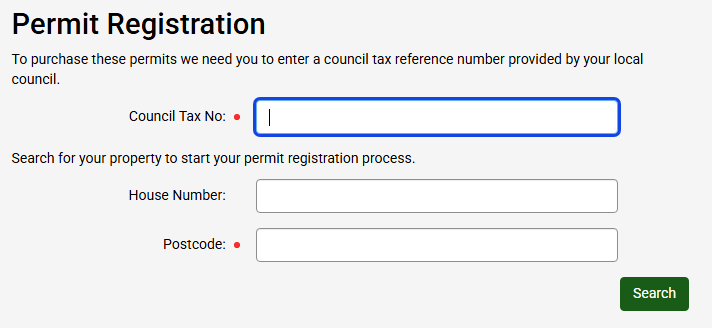
Firstly, you will need to register into your property by inputting a Postcode, this will bring up all properties under the postcode. You will need to select the correct property. You will also need your council tax number.
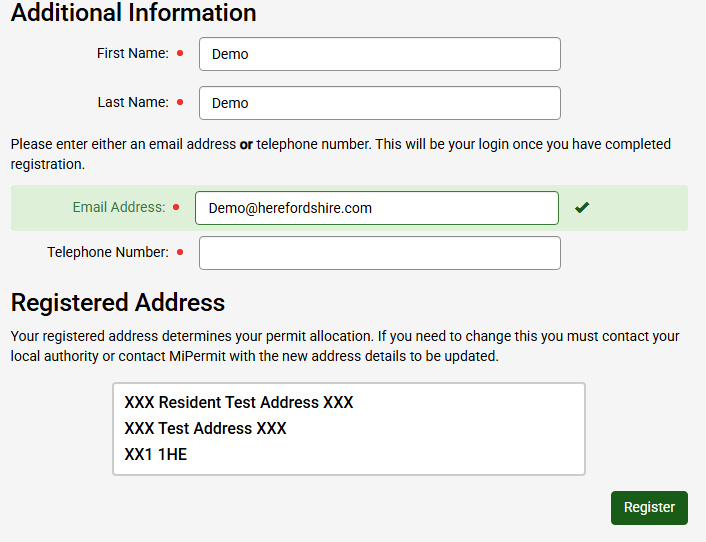
You will then be asked to create an account you will need to provide First and Last Name along with either an email address or telephone number (this will be your username) once those are filled in you will need to click the green ‘Register’ button.
You will then be taken to the foreword page. This will give you information on what you will require to complete your application.
Once you click Continue on the foreword page, you will be taken to the application page. Only one permit option is available for Residents ‘Safer School Streets Resident Digital Permit’
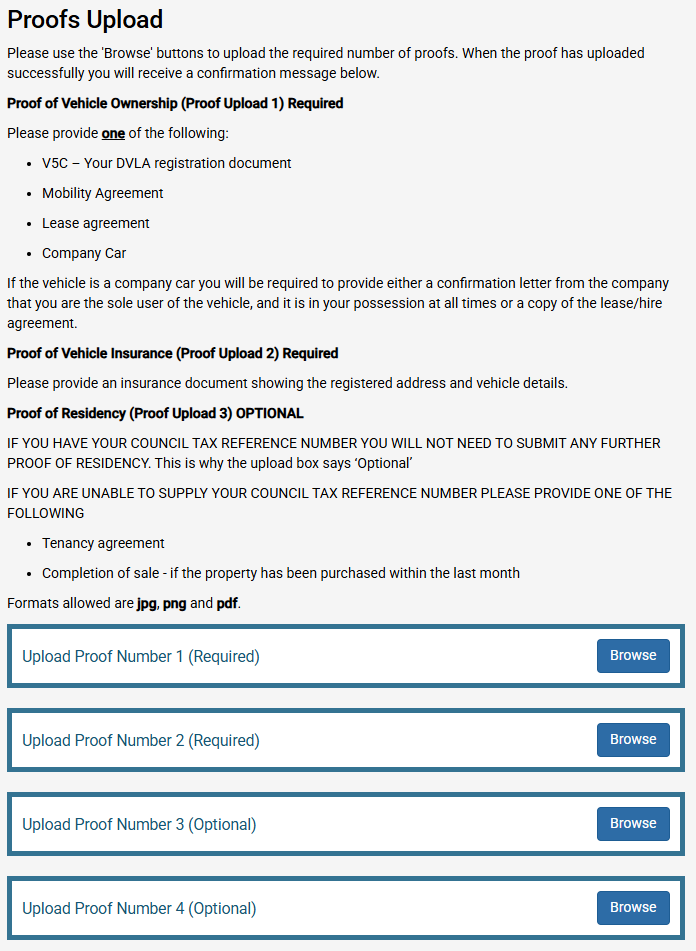
You will need to upload proof for the application, refer to the ‘Proofs Required’ section for more information
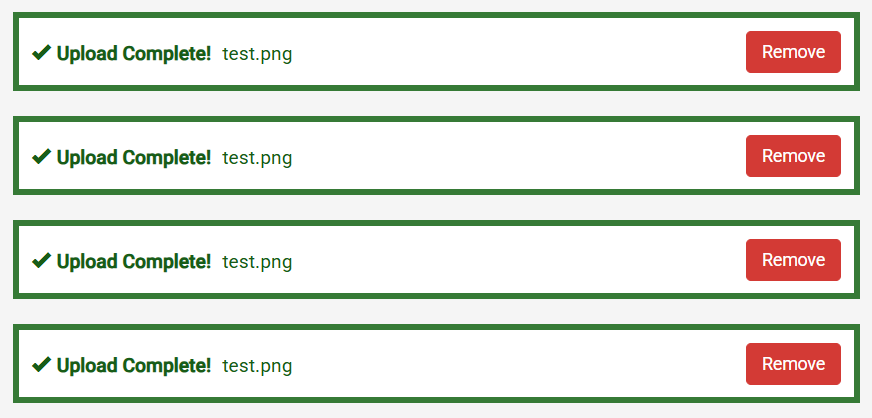
Once the documents have successfully upload, it will confirm on screen.
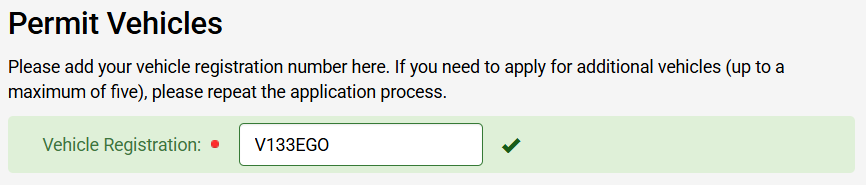
You will then need to input a Vehicle Registration
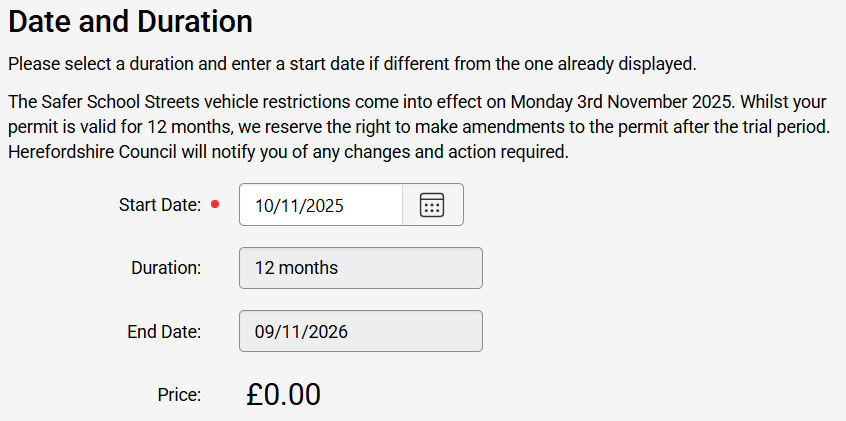
You will then be able to select the start date of the permit. Permits can start up to 30 days in the future.
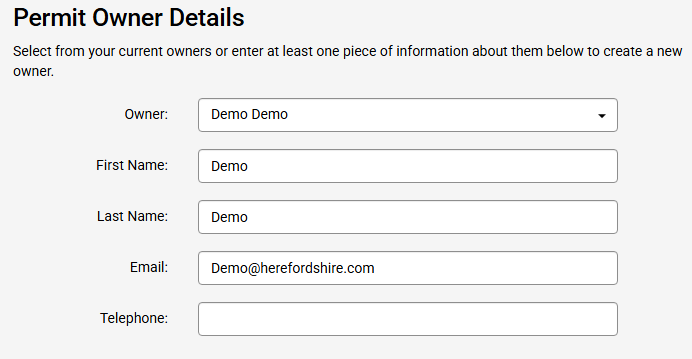
You will then need to confirm or add a new permit owner, and you will be able to finish the application.
Once you have completed the application, this will need to be reviewed by the Council and you will receive an email to confirm if the application has been accepted or rejected.
If you wish to discuss the application, you should contact Herefordshire Council via email on parking@herefordshire.gov.uk
If you need any assistance with apply for a permit you can contact MiPermit on 0345 520 7007 or email help@mipermit.com
Please note successful applicants will not receive a physical permit to display in the registered vehicle. There is no requirement to do so.